
Nissan Leaf Owners Manual | 2025
9.23.2. Turning the RAB system ON/OFF
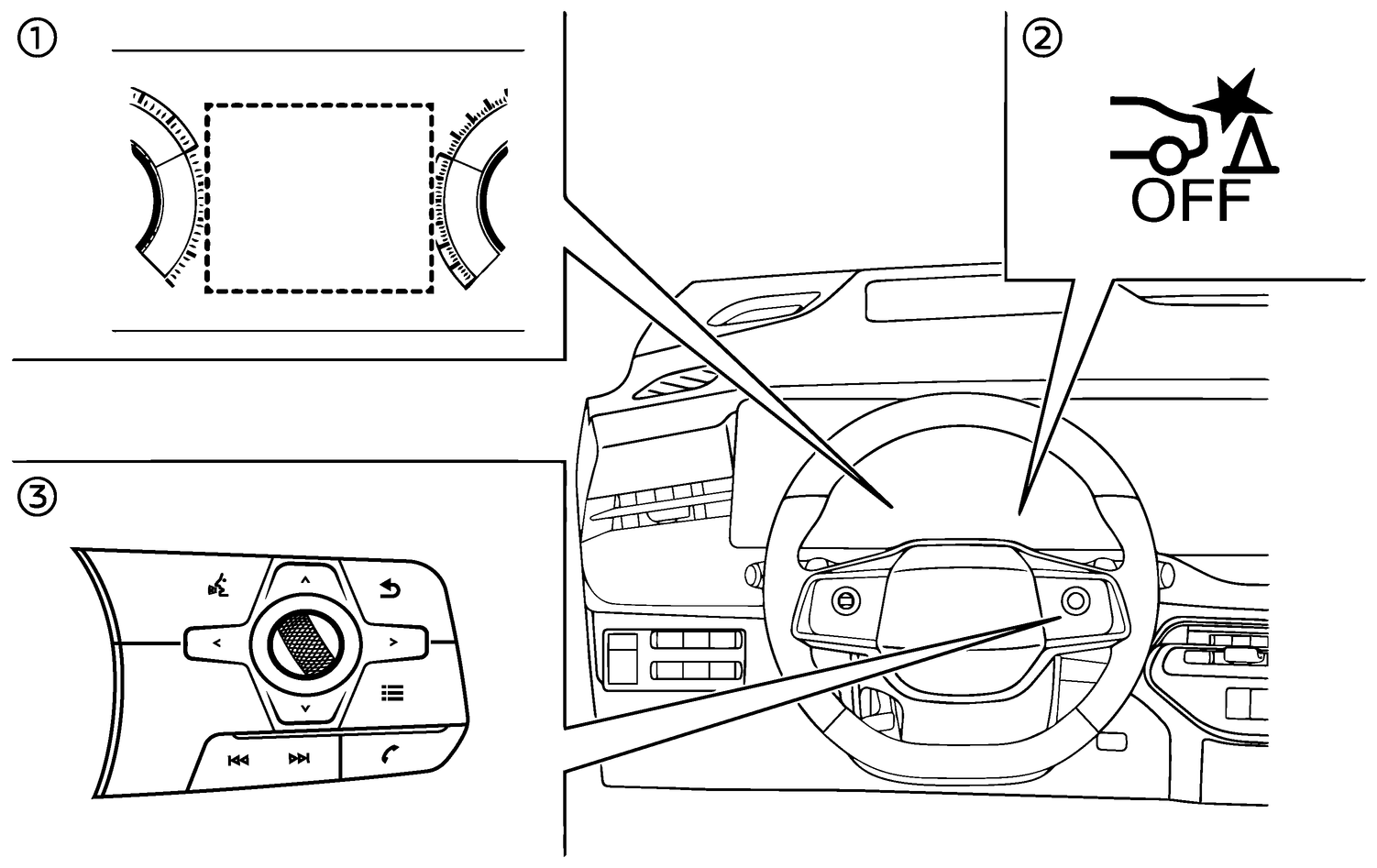
- (1)Vehicle information display
- (2)RAB system OFF warning light
- (3)Steering-wheel-mounted controls (right side)
Perform the following steps to turn the RAB system ON or OFF.
Push the

 button until [Settings] appears in the vehicle information display and then push the scroll dial. Use the scroll dial to select [Driver Assistance.] Then push the scroll dial.
Select [Parking Aids] and push the scroll dial.
Select [Rear Brake Assist] and push the scroll dial to turn the system on or off.
When the RAB system is turned off, the RAB system OFF warning light illuminates when the shift button is in the R (Reverse) position.
The RAB system OFF warning light will also illuminate when the shift button is in the R (Reverse) position and the RAB system is ON if the parking sensors (sonar) have been temporarily disabled using the [Parking Aids] setting.

The RAB system will be automatically turned on when the EV system is restarted.
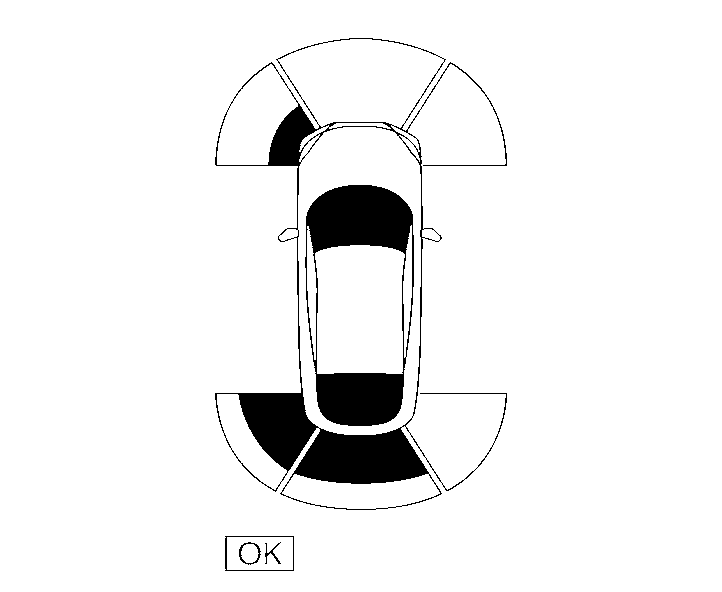
When the shift button is in the R (Reverse) position and the Parking Aids screen is displayed in the vehicle information display the RAB system can be disabled temporarily by pushing the scroll dial on the steering wheel.