
Nissan Leaf Owners Manual | 2025
8.5.5. [Settings] menu
Some vehicle equipment/features can be operated and/or modified using the touch screen display. See the separate NissanConnect Owner's Manual (where fitted) for basic usage details for the touch screen display.
How to adjust Settings:
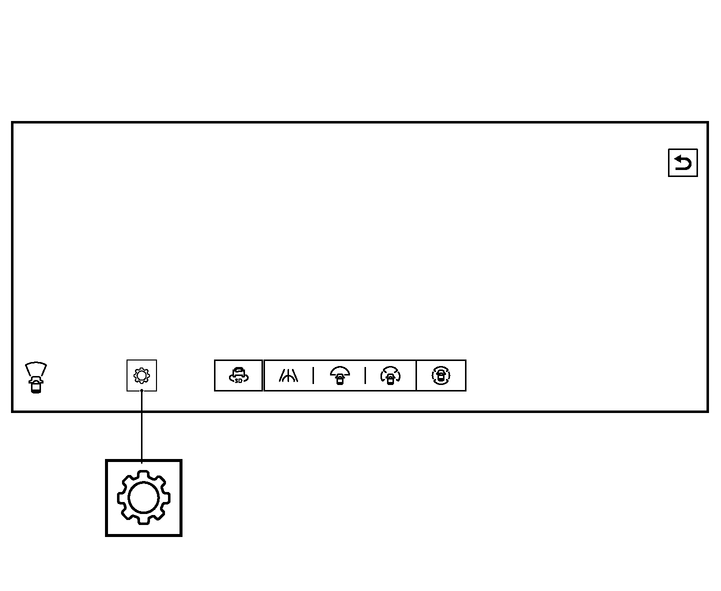
Touch "
 " on the IAVM touch screen display.
The Settings menu screen will be displayed.
Toch the item you wish to access or adjust.
The following items are available (where fitted):
[Display settings]
[Saved Locations]
[My parking locations]
[Automatic 360° Moving]
[Vehicle Colour]

Do not adjust any of the settings while the vehicle is moving. Make sure that the parking brake is applied.
Owners Manual