
Nissan Leaf Owners Manual | 2025
3.8.3. Electric Vehicle Screen
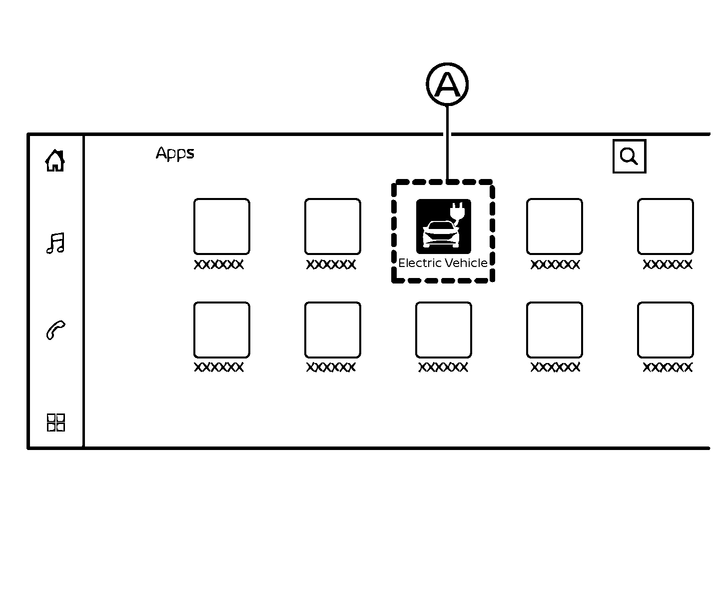
Type A:
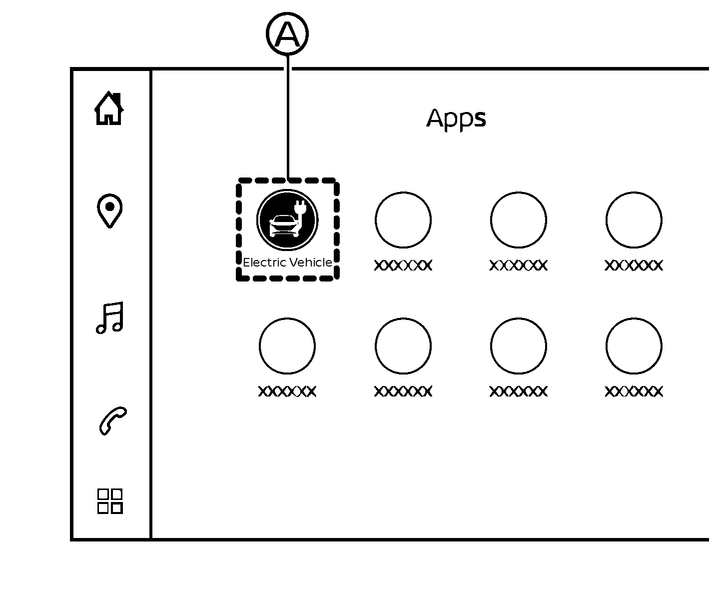
Type B:
In the [Electric Vehicle] screen, you can easily access the EV related functions, services or information. The Electric Vehicle display can be displayed on the touch screen display.
How to show the [Electrical Vehicle] screen:
(Type A)
Touch the "
 " key on the launch bar.
Touch the "
 " and then touch [Electric Vehicle] icon (A).
or
(Type B)
Touch the "
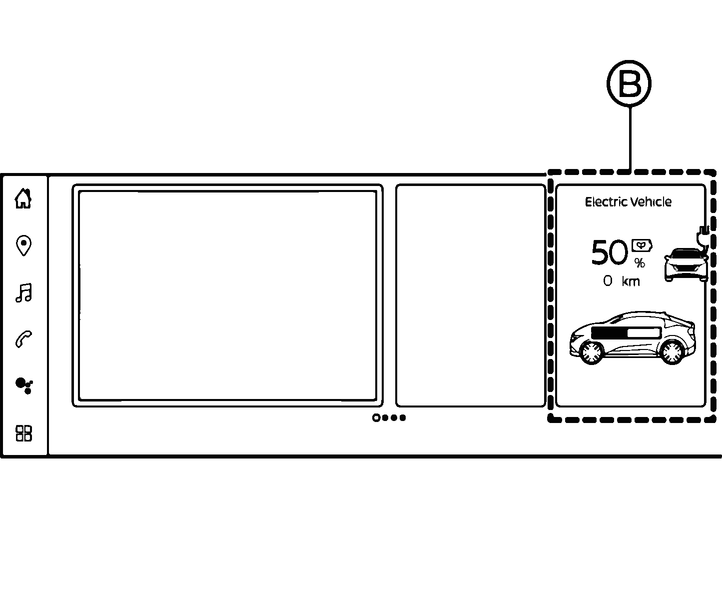
" key on the launch bar.Swipe through the widgets on screen and touch “Electric Vehicle” widget (B).
Refer to the separate NissanConnect® Owner's Manual for information on how to customise your home menu screen.
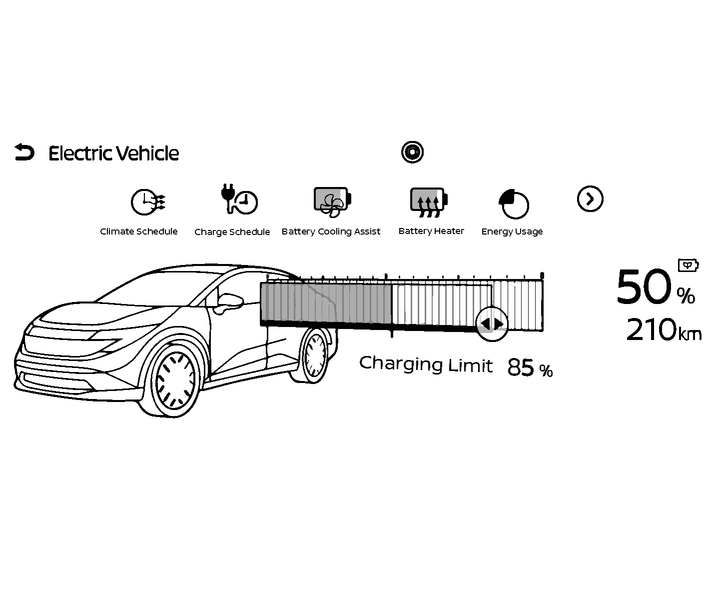
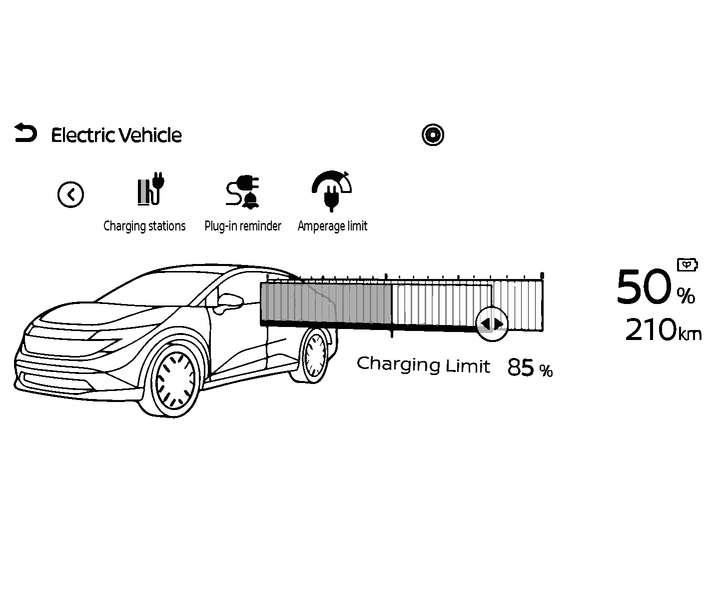
The [Electric Vehicle] screen allows you to use the following features:
Available items may vary depending on models, specifications, software versions and conditions.
State of charge gauge, driving range, charge remaining time (while charging)
[Charging limit]
[Climate Schedule]
[Charge Schedule]
[Battery Cooling Assist]
[Battery Heater]
[Energy Usage]
[Charging stations]
[Plug-in Reminder]
[Amperage Limit]
[Charge Information]
[Battery Temperature Management Indicator]