
Nissan Leaf Owners Manual | 2025
6.12.1.1. Lighting
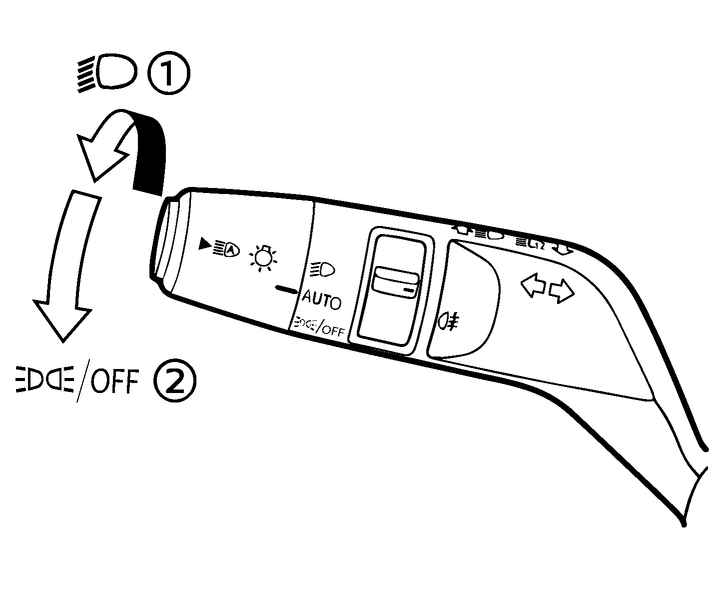
Fixed position for this switch is in <AUTO> or in  position.
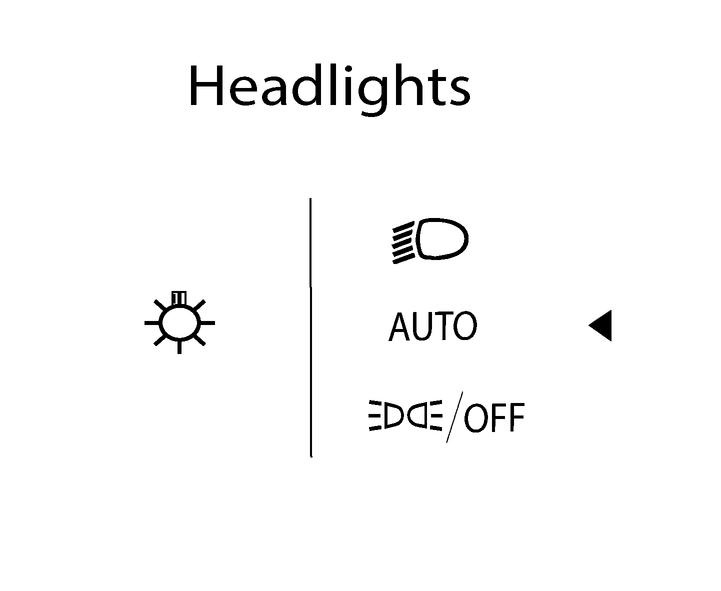
- (1)Rotate the switch to theposition, and the headlights will come on and all the other lights remain on. The daytime running light will turn off.
- The Intelligent Auto Headlight system will be deactivated in this position.
- (2)Rotate the switch to the
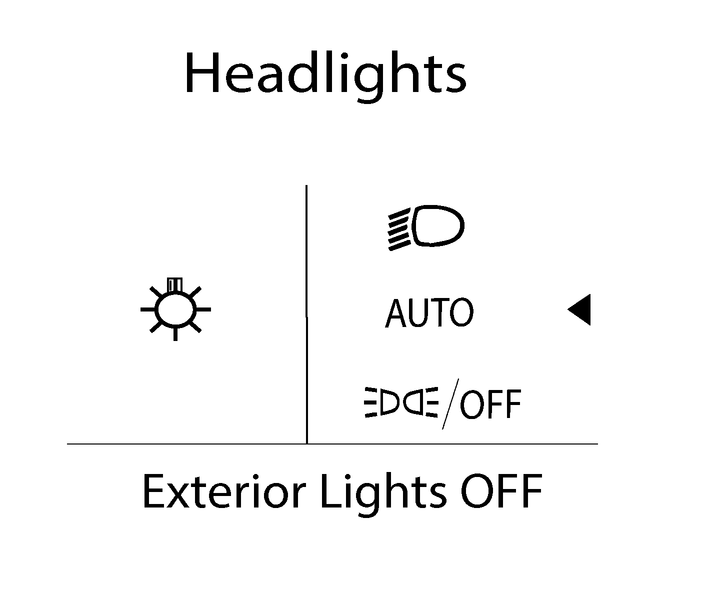
 position twice in within 4 seconds and the front clearance, tail, number plate, and instrument panel lights will come on. To switch off all exterior lights you need to turn the switch to the position and hold it for 1 second while the vehicle is stationary and the shift position is placed in P (Park) position or the parking brake is applied. The message [Exterior Lights OFF] will appear. The system will return to <AUTO> mode when these conditions are no longer met.
 Parent topic:
Owners Manual