
Nissan Leaf Owners Manual | 2025
6.6. Touch Screen Display
Some of the vehicle equipment/features can be operated using the touch screen display. See the separate NissanConnect® Owner's Manual for the basic usage of the touch screen display.
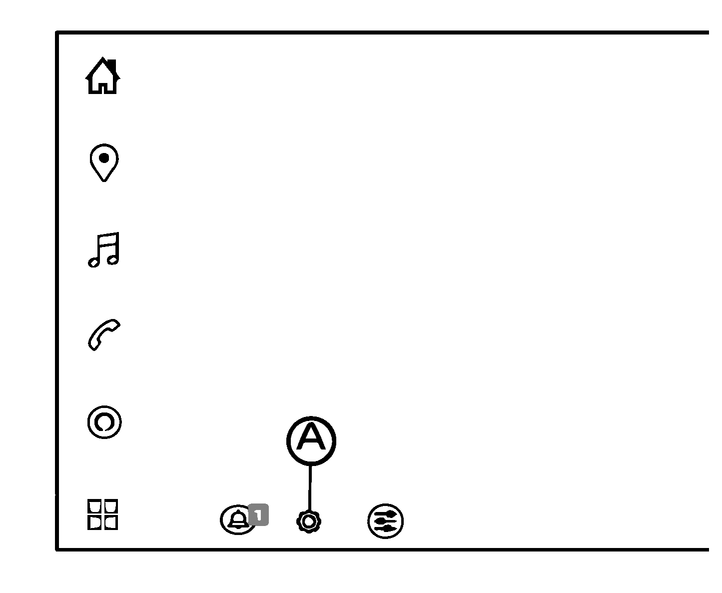
Touch (A) on the touch screen display to display “All Settings” menu.
Touch to select your desired item.
Available setting items vary depending on models, specifications, software versions and conditions.
See the following items for the vehicle-related equipment/features. For items other than those listed below, please refer to the separate NissanConnect® Owner's Manual.
Owners Manual