
Nissan Leaf Owners Manual | 2025
8.5.5.1. [Display Settings]
Touch “
 ” key on the touch screen display.
Touch "
 " key.
Touch the [Vehicle] and then [Camera] key.
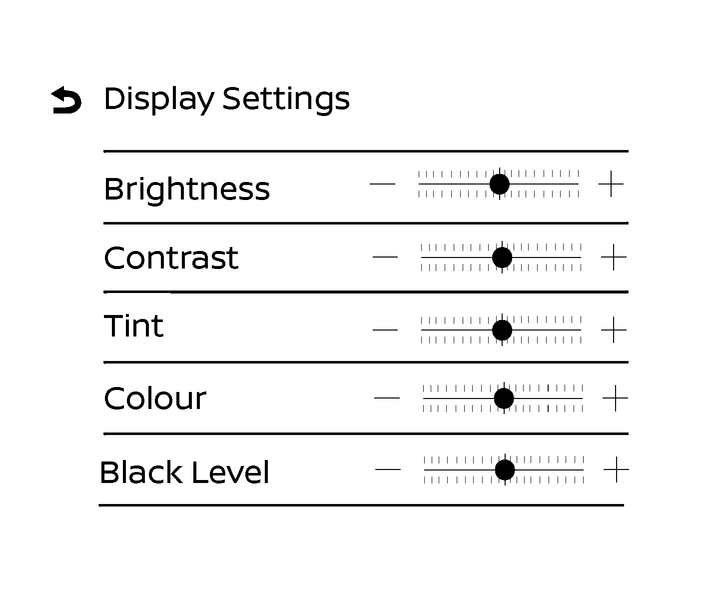
Touch the [Display Settings] key.
Touch the [+] or [-] key of the desired item on the touch screen display. You can change the brightness, contrast, tint, colour, and black level.

Do not adjust the display settings of the Intelligent Around View Monitor while the vehicle is moving. Make sure the parking brake is firmly applied.
Owners Manual