
Nissan Leaf Owners Manual | 2025
9.10.1.1. Driver Assistance display
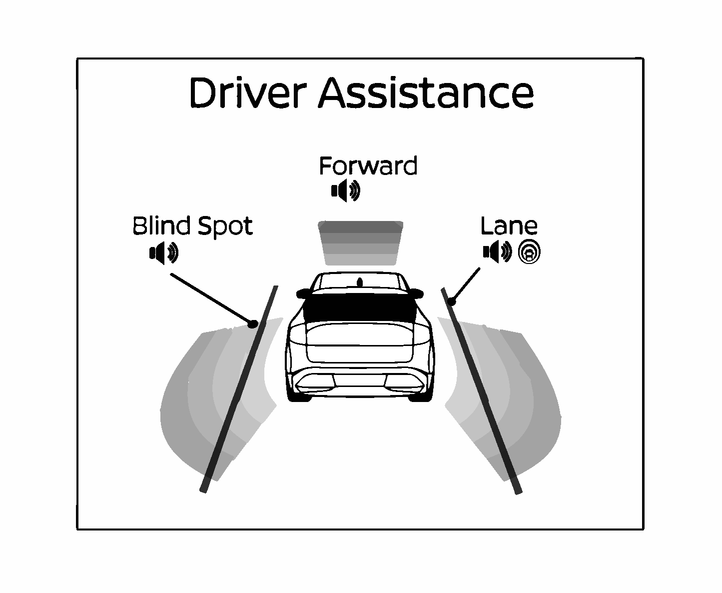
The Driver Assistance display appears in the vehicle information display when it is selected using the scroll dial, or for a short period of time when the ProPILOT Assist switch is pushed.
The status of the following systems can be shown in each zone of the display.
Zone | Driving Aid |
[Forward] | Intelligent Emergency Braking |
Intelligent Forward Collision Warning | |
Intelligent Distance Control (IDC) | |
[Lane] | Emergency Lane Assist (ELA) |
[Blind Spot] | Blind Spot Warning (BSW) with Exit Warning |
[Exit Warning] | |
When any of the “Warning” systems are enabled, the “
 ” mark is shown in each zone.
When any of the “Intervention” systems are enabled, the “
 ” mark is shown in each zone.
When no system is enabled, [OFF] is shown in each zone.
 Parent topic:
Owners Manual