
Nissan Leaf Owners Manual | 2025
9.8.1.1. How to activate the automatic brake hold function
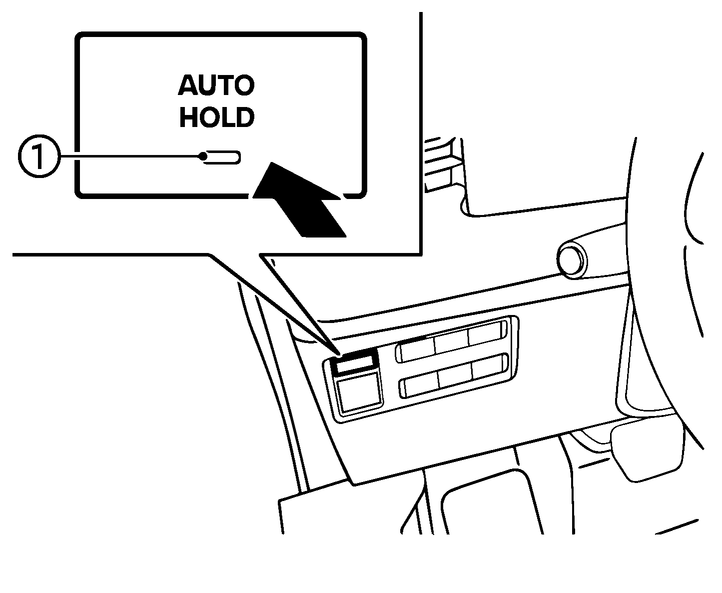
With the power switch in the ON position, push the automatic brake hold switch. The indicator light (1) on the automatic brake hold switch (green) illuminates.
When the automatic brake hold function goes into standby, the automatic brake hold indicator light (white) in the vehicle information display illuminates.
To use the automatic brake hold function, the following conditions need to be met.
The driver’s seat belt is fastened.
The electric parking brake is released.
The vehicle is not in the P (Park) position.
The vehicle is not stopped on a steep hill.

The automatic brake hold function retains the last state until the driver changes the option even if the power switch is turned off.
Owners Manual